7 min read · Warehouse operations
A warehouse management system earns its place the moment stock stops living in a spreadsheet. The value is not the software itself — it's that every movement in and out of the building is recorded once, in one place, against the right customer and the right SKU. Everything downstream, from picking to billing, reads from that single record.
Inward and outward, recorded once
Stock arrives, stock leaves. When both are captured as inward and outward entries against a warehouse location, your on-hand figure is a consequence of real events rather than a number someone maintains by hand. That is the difference between a stock count you argue about and one you act on.
Products your team can actually find
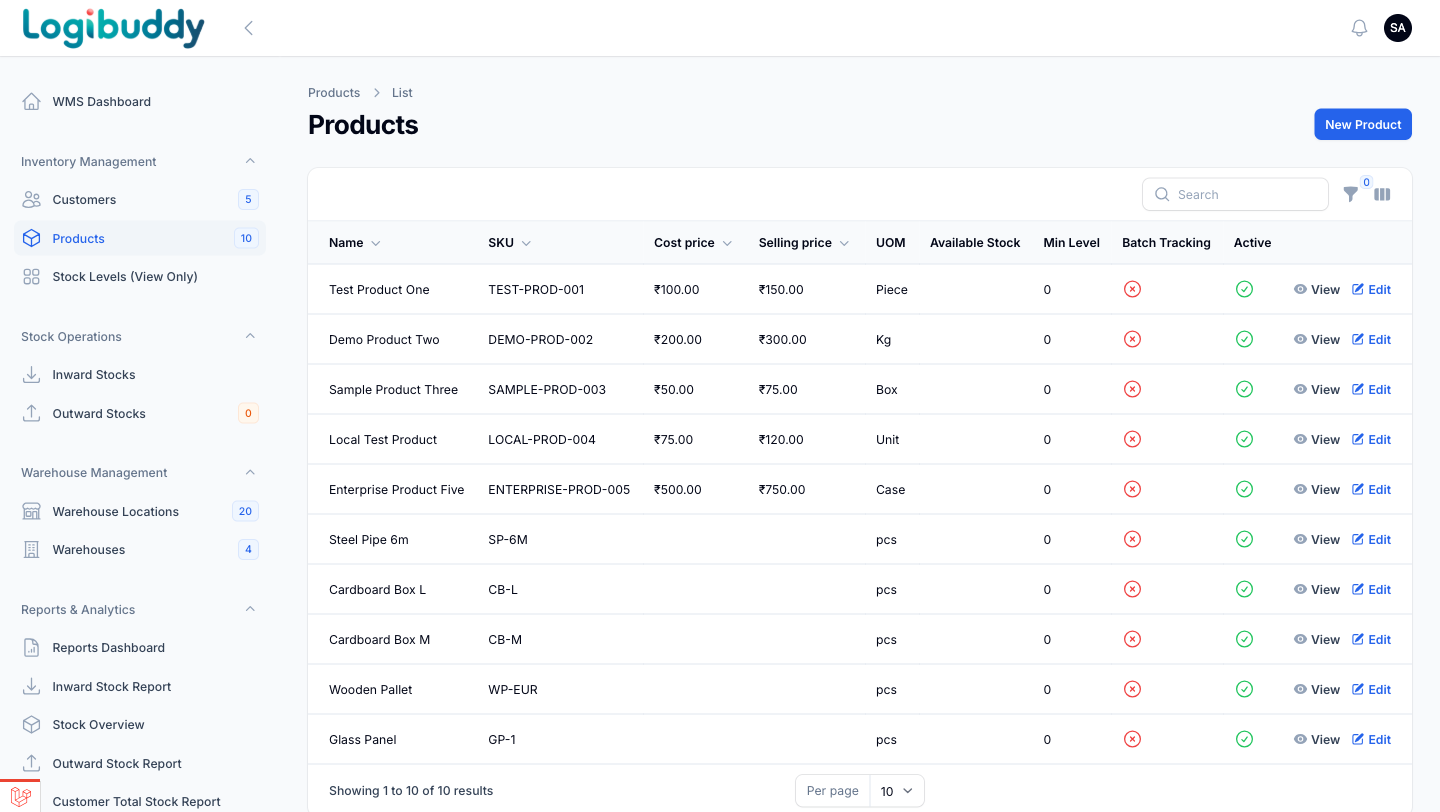
SKU-level product masters — code, price, unit — are the backbone of a usable warehouse. With them in place, a low-stock alert points to a specific item at a specific location, and an expiry warning gives you time to act instead of a surprise at dispatch.
Per-customer stock, not just total stock
For 3PL and fulfilment operations, one aggregate stock figure hides the thing that matters: whose stock is it? A customer stock overview lets you answer that question directly — how much of each customer's inventory you're holding, where, and what's moving — without exporting anything.
The dashboard as a morning check
A WMS dashboard is most useful as a first-thing-in-the-morning read: total stock value, what's running low, what's approaching expiry. Not a wall of charts — a short list of the things that need a decision today.
Reports that reconcile, not surprise
The last mile of a warehouse module is the reporting. Movement, value and stock position roll up into reports your ops and finance teams can act on — because they draw from the same inward and outward records the floor is working against, not a separate export maintained by hand.
The point
A warehouse module doesn't replace your team's judgement. It removes the guesswork underneath it — so the stock number, the pick list and the invoice all come from the same source of truth.