How real operations
put it to work
Instead of dressed-up case studies, here's how four kinds of operation actually use the platform — shown on the real screens.
Honest by design
No invented numbers, no logos
Every operation runs differently. These walkthroughs show the shape of the work — you'll see your own figures once you're live.
3PL
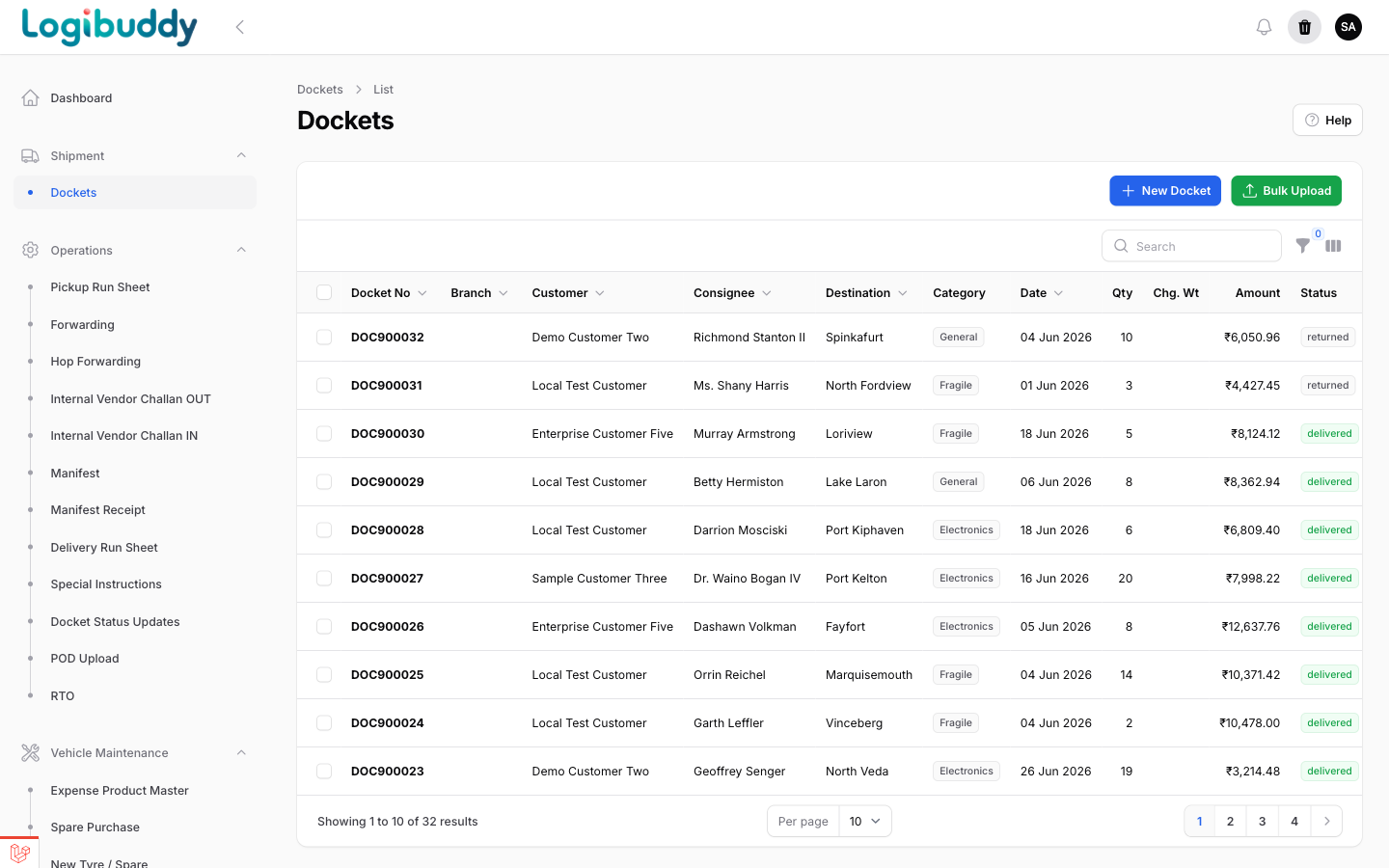
A 3PL running many customers on one system
A third-party logistics operation handles dockets, forwardings and billing for dozens of customers at once. With shared masters and a customer stock overview, each client's shipments and inventory stay separate without running separate systems.
- Per-customer dockets, tariffs and registers
- Customer stock overview in WMS
- Client logins to their own dockets and MIS
COURIER
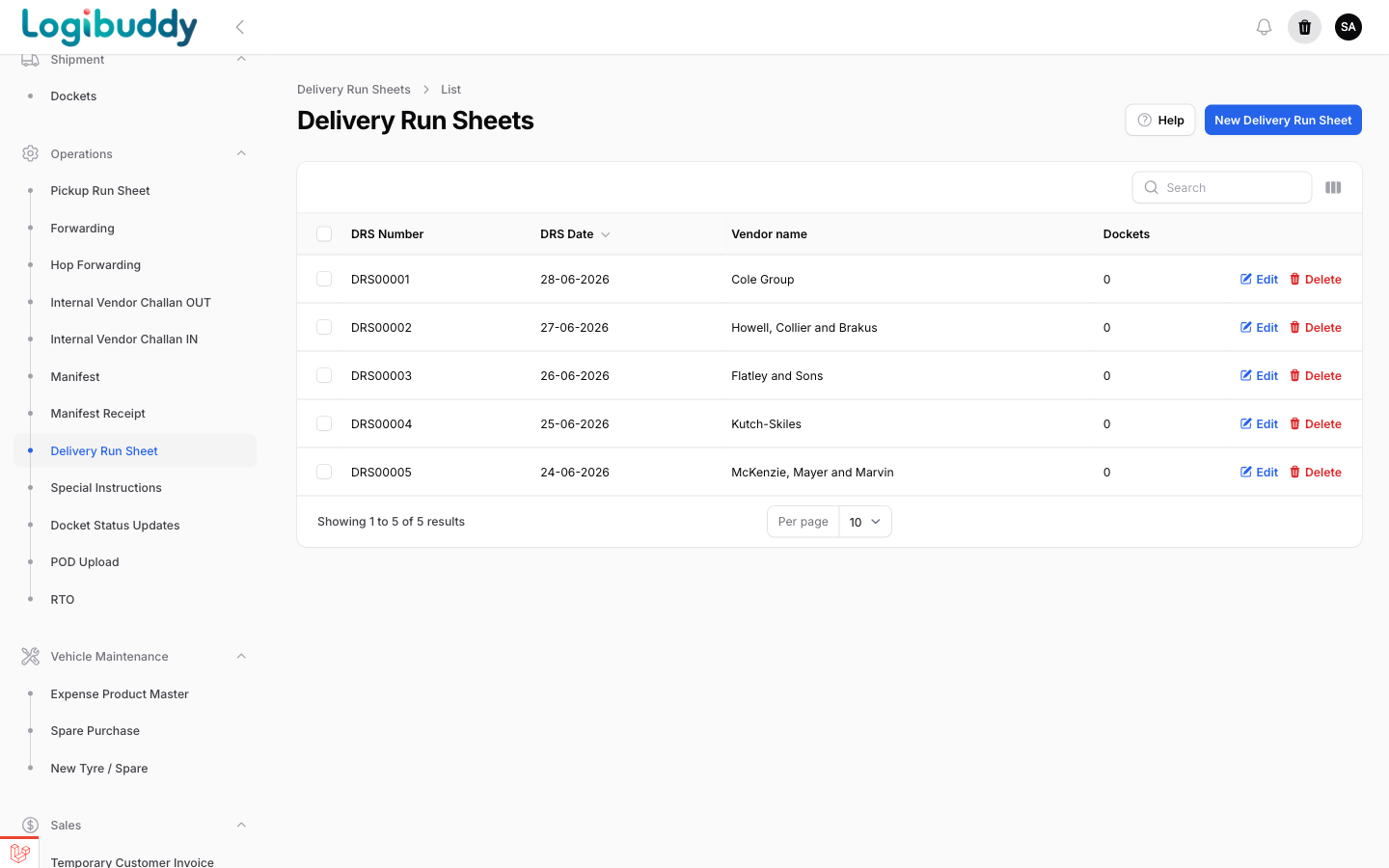
A courier operation managing pickups and delivery
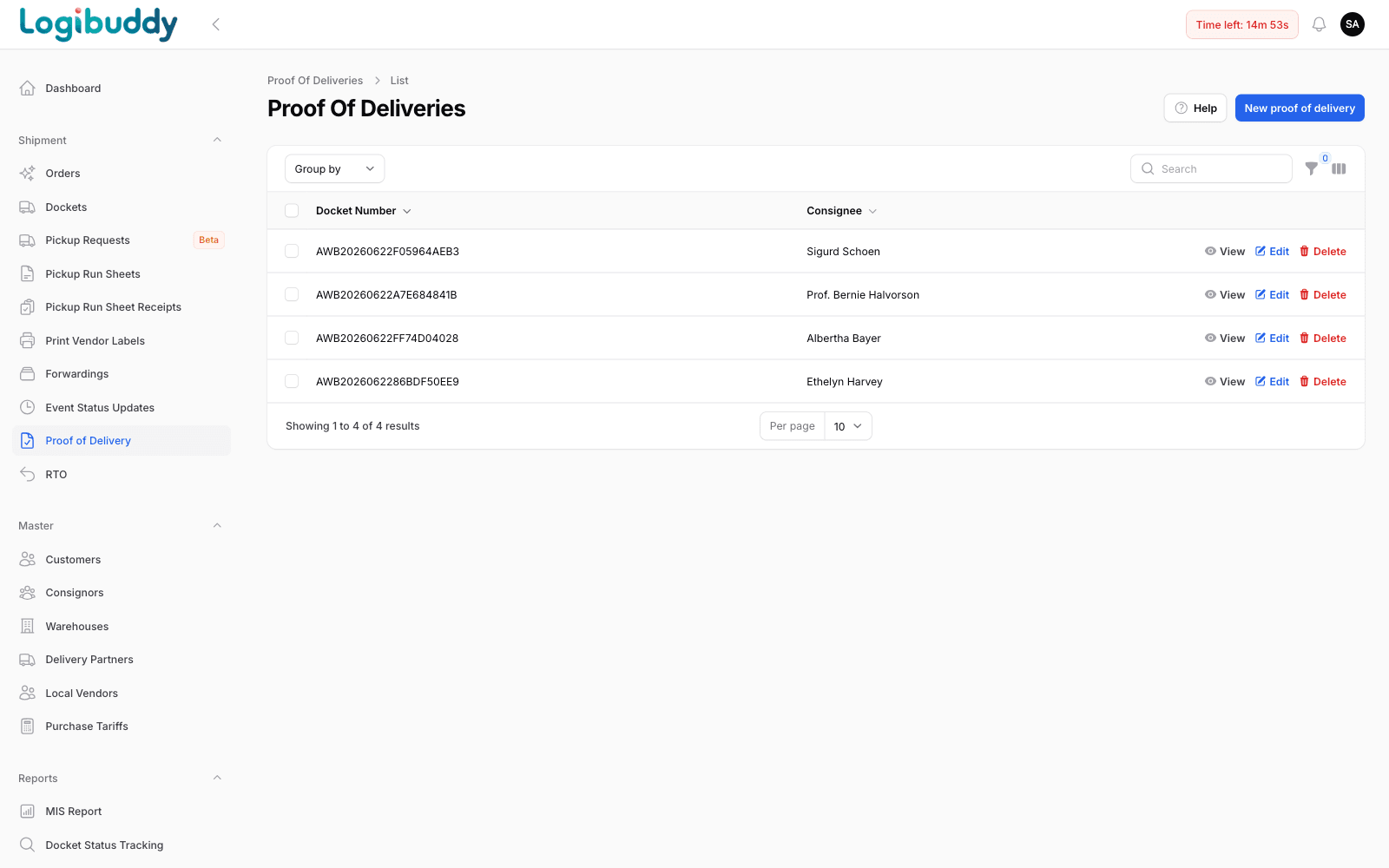
A courier business lives in pickup requests, run sheets and event status updates. Booking a docket, building a run sheet and following it through to proof of delivery all happen in the same flow — including AWBs handed to Delhivery.
- Pickup requests and pickup run sheets
- Delivery run sheets and event status
- Docket & AWB search across carriers
D2C
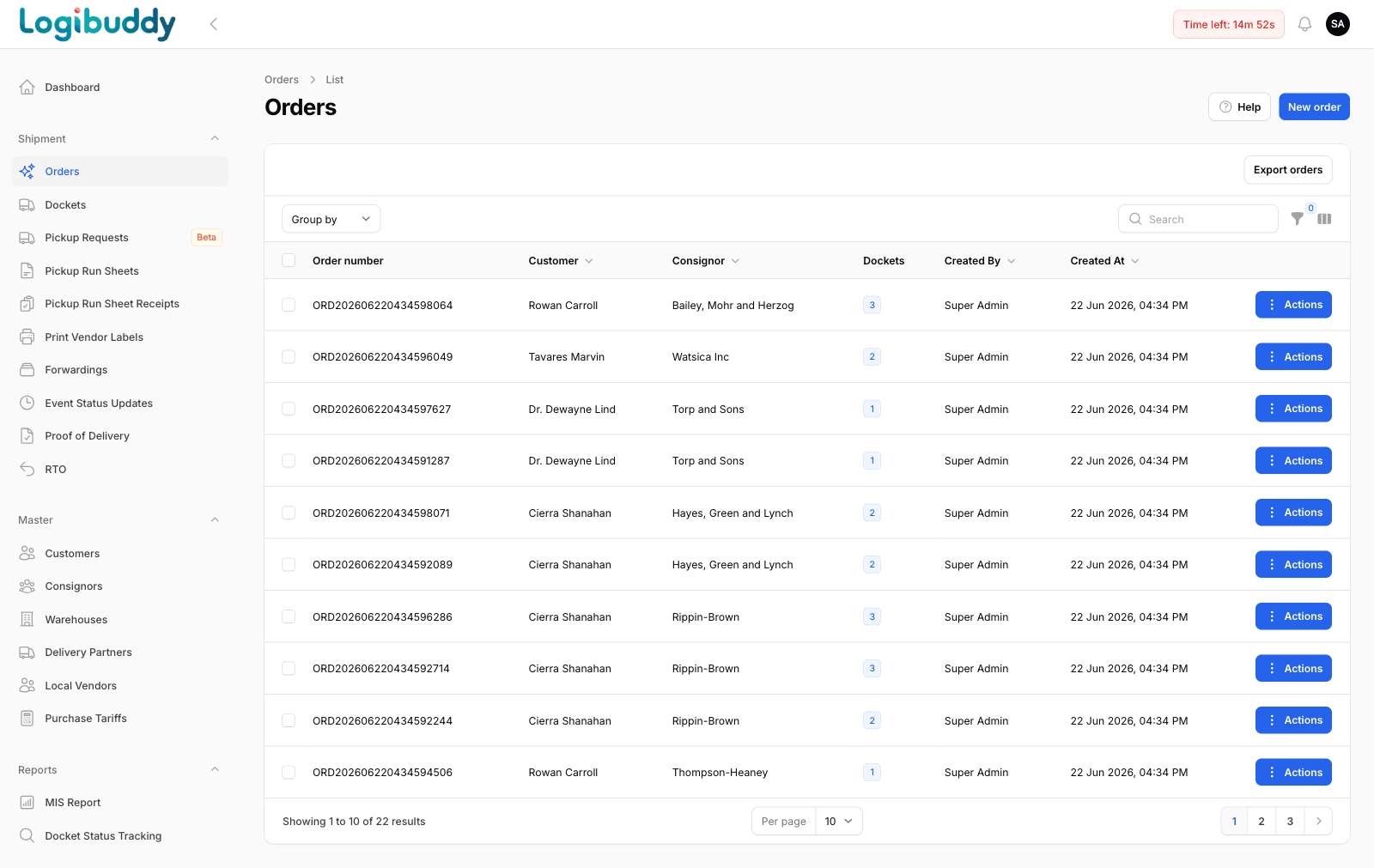
A D2C brand fulfilling its own orders
A direct-to-consumer brand starts from orders and moves through the create-order wizard into dockets, delivery and returns. When a parcel comes back, RTO is a first-class part of the flow rather than an afterthought.
- Order create wizard into dockets
- Live docket status tracking
- RTO handling with full status history
WAREHOUSE
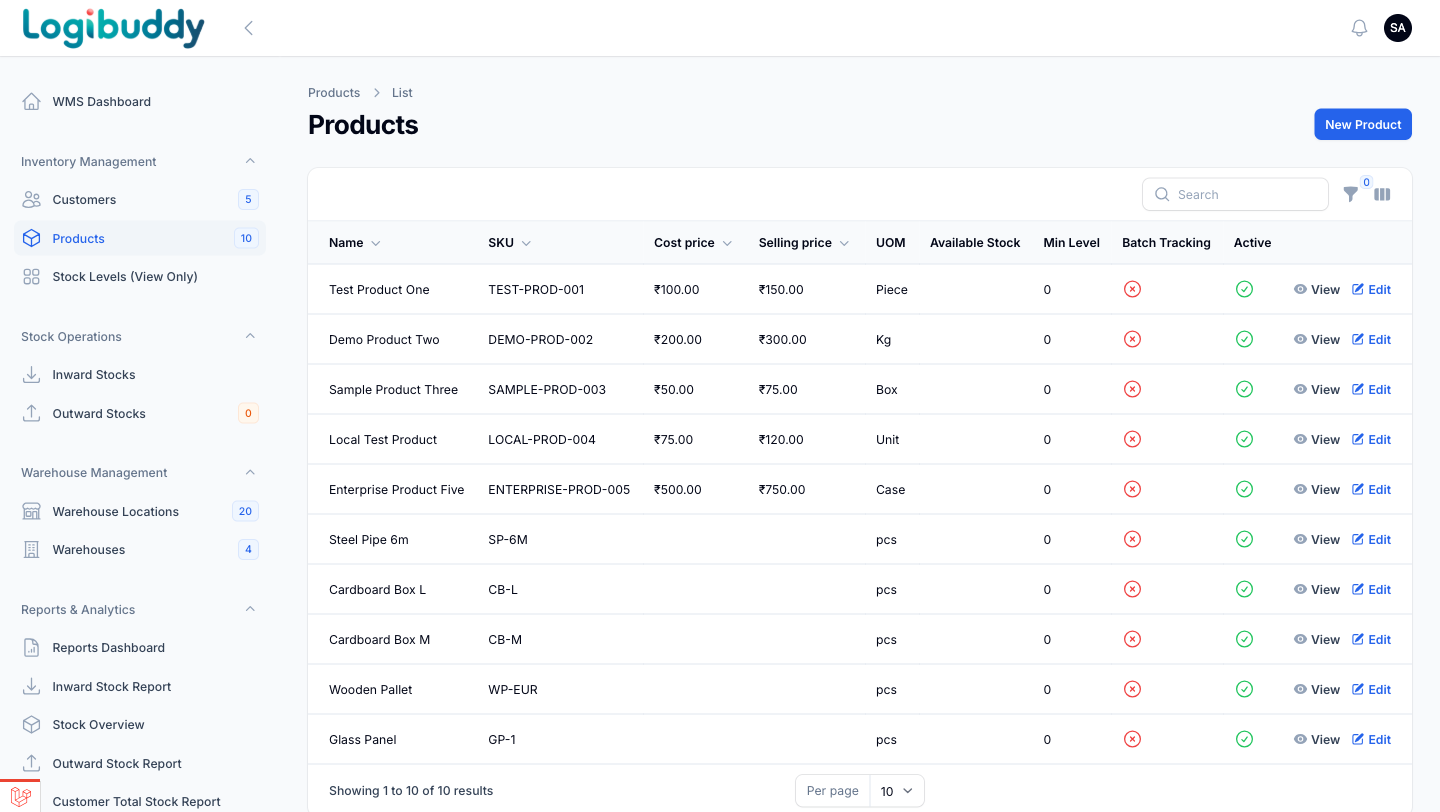
A warehouse team accounting for stock unit by unit
A warehouse operation runs inward and outward stock against locations, with SKU-level product masters and low-stock and expiry alerts. The dashboard is the morning read: total stock value and what needs a decision today.
- Inward / outward stock by location
- SKU-level product & pricing masters
- Low-stock and expiry alerts on the dashboard
Shown on the product
The same platform, four kinds of operation
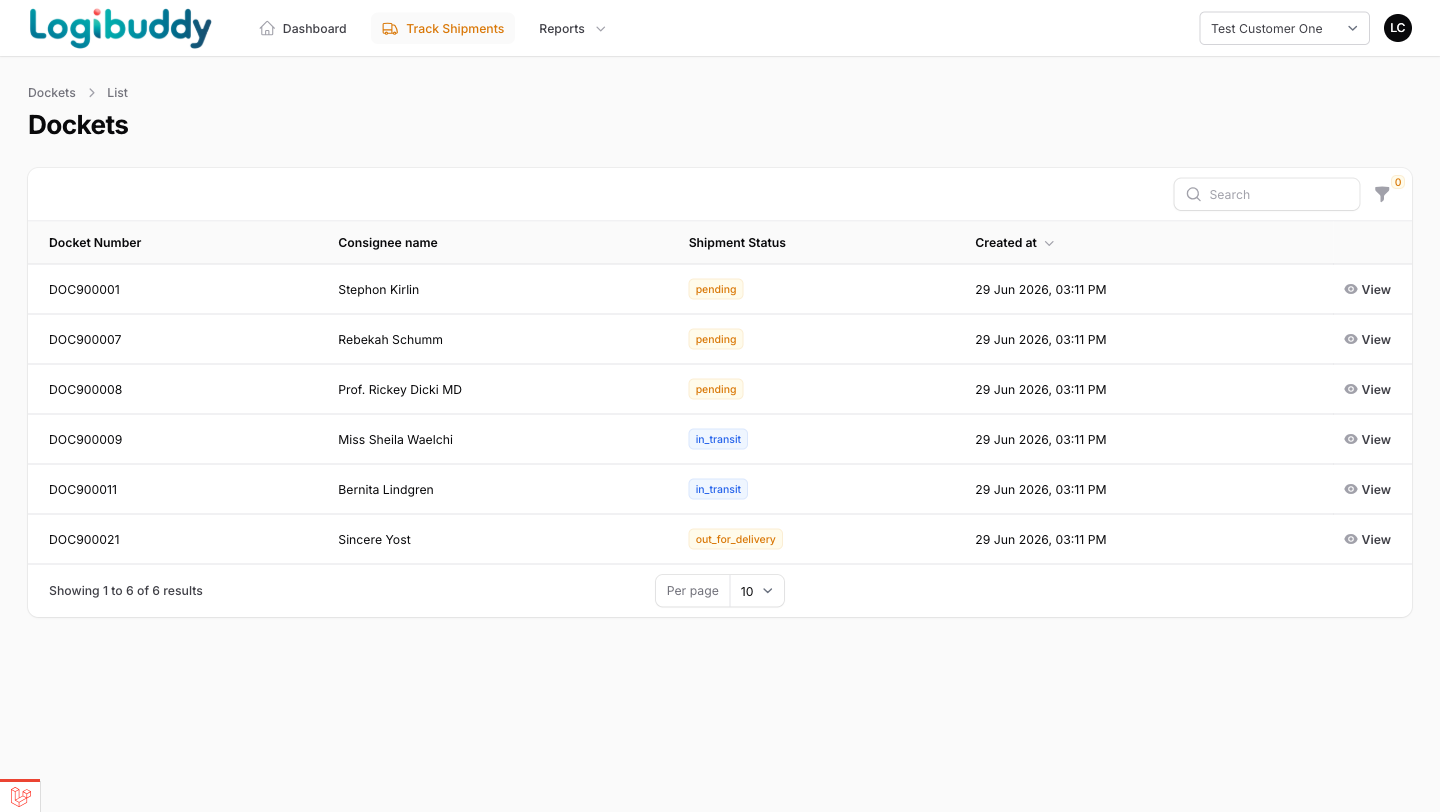
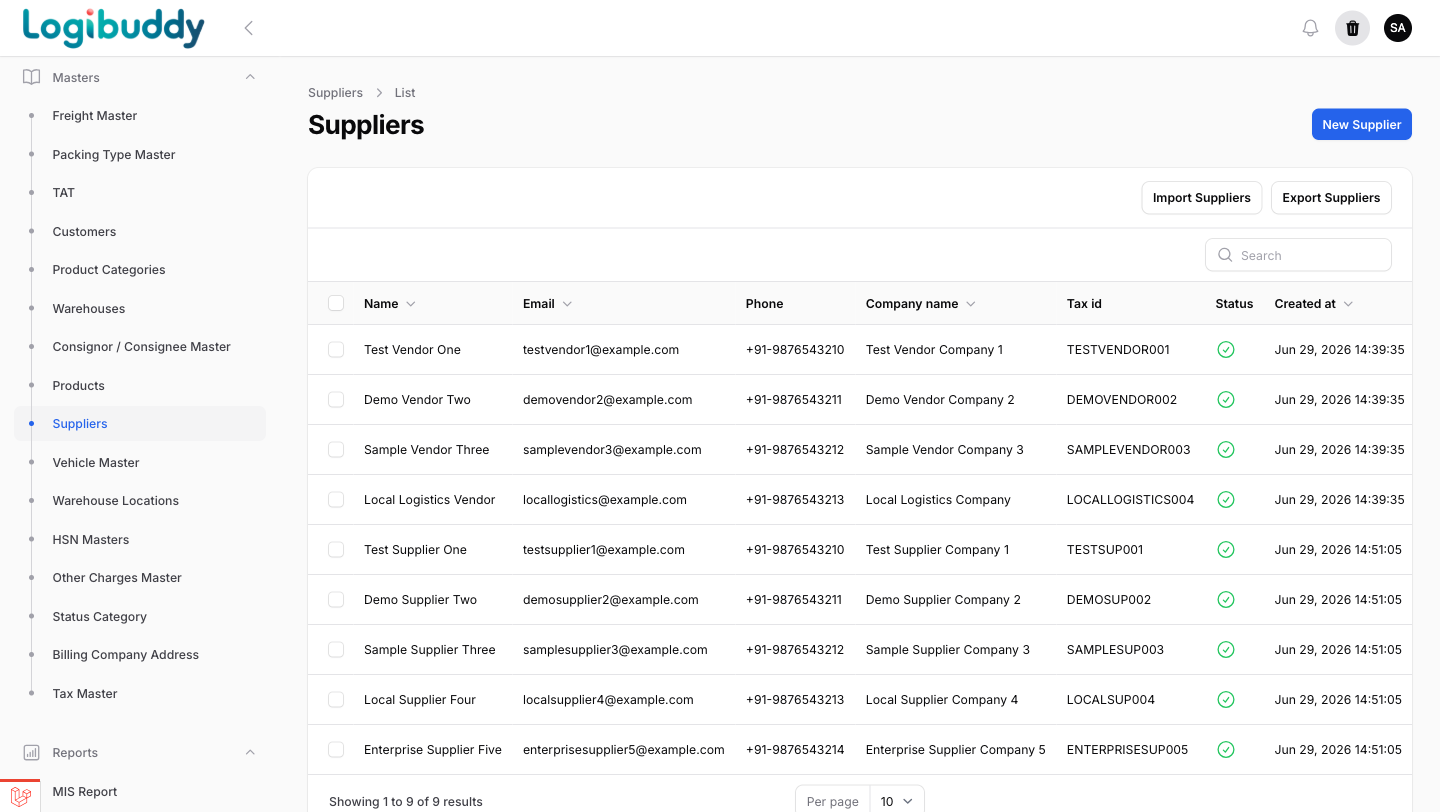
A cross-section of the screens each operation lives in — courier tracking, D2C proof of delivery, warehouse stock and 3PL masters.
3PL · customer portal
One 3PL, many customers, one login each
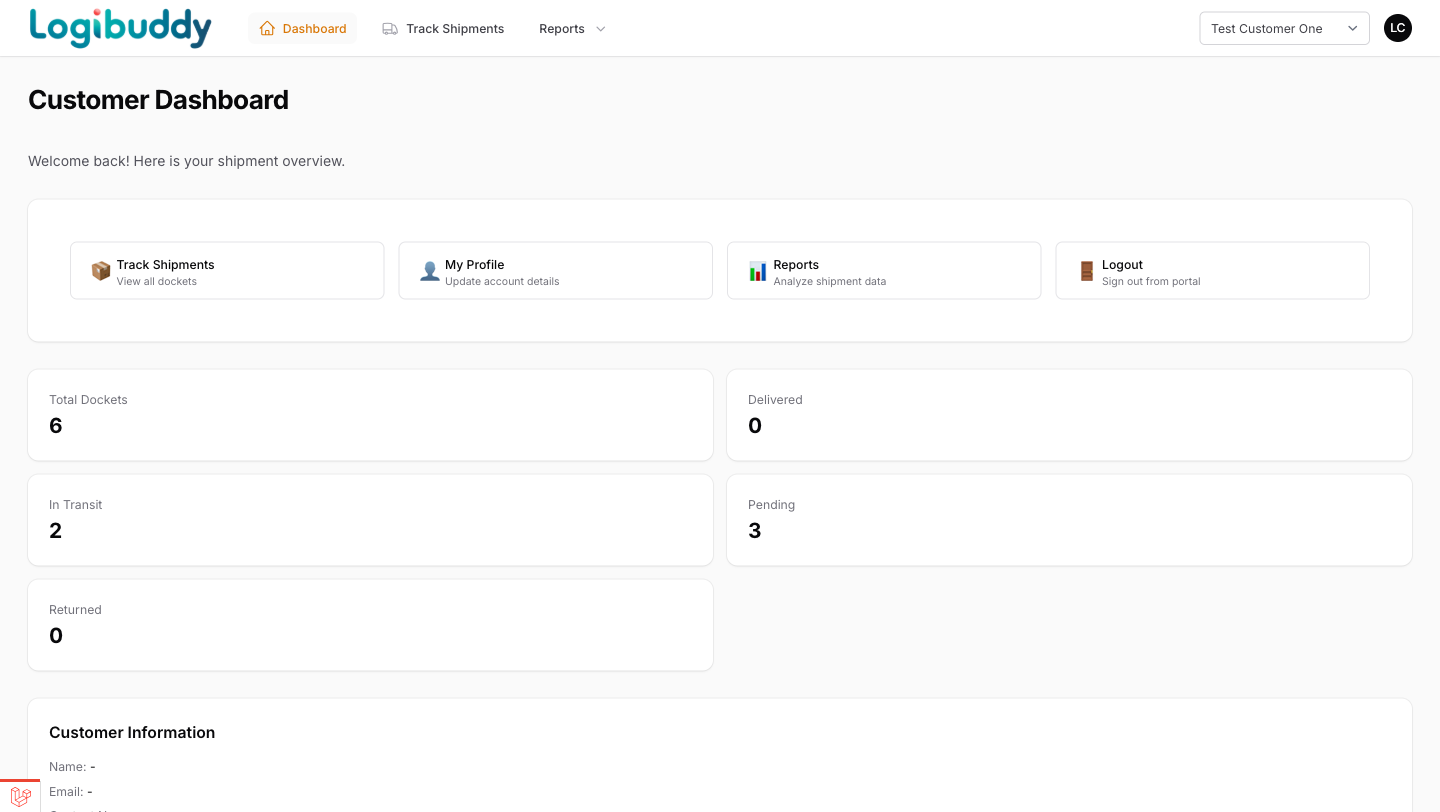
A third-party operation runs dozens of customers on shared masters. Each client gets a portal scoped to their own data — their dockets, their tracking, their MIS — so the desk answers fewer status calls and the customer sees the same truth you do.
- Per-client logins, scoped to their shipments
- Live docket status the customer can self-check
- Suppliers and vendors kept on shared masters
Warehouse · product masters
The catalogue a warehouse runs on
SKU-level product masters — code, unit, cost and selling price and minimum stock level — are the backbone of a usable warehouse. With them in place, low-stock and expiry alerts point to a specific item at a specific location, and the same masters feed picking and dispatch.
- SKU-level masters with price and unit
- Minimum stock levels drive low-stock alerts
- Shared with the shipment side, not a separate list
Get started
See your whole operation in one control tower
A 30-minute walkthrough on your kind of operation — 3PL, courier, D2C or warehouse.
Free 14-day trial · No credit card · India-ready