From signup to
go-live
A clear, ordered path to running your operation on Logibuddy — masters first, data next, then live and reporting.
The path
Six steps, in order
Order matters here — each step depends on the one before it. Work top to bottom and nothing blocks go-live.
Sign up and set up your company
Start the free 14-day trial and set your company, branch and email settings. This is the foundation every other module reads from.
- Company & branch details
- Email and notification settings
- Your first admin user
Build your masters
Load the reference data the operation runs on — in the order that unblocks the next stage. Get these right and daily work stays clean.
- Customers, consignors and warehouses
- Cities, states, pincodes and regions
- Tariffs, HSN, tax and packing types
Import your data
Bring across your existing dockets, products and stock. Configure docket-upload settings and connect the Delhivery API so bookings flow from day one.
- Products and opening stock
- Docket-upload settings
- Delhivery API configuration
Set up users and roles
Give each team exactly the access it needs using shield roles, module settings and per-branch users — and set up customer logins for the portal.
- Shield roles and module settings
- Per-branch users
- Customer portal logins
Go live
Start booking dockets, building run sheets and moving stock for real. The lifecycle carries each shipment from pickup through to POD and RTO.
- Book dockets and pickups
- Run delivery run sheets
- Track through to POD and RTO
Read your reports
Once shipments are flowing, the registers and MIS write themselves. Reconcile against your books and hand finance the record they ask for.
- Booking and forwarding registers
- MIS and compliance reports
- Sales-invoice register
On the real product
What each stage looks like
Not a slide deck — these are the same screens you'll work in from masters through to go-live and reporting.
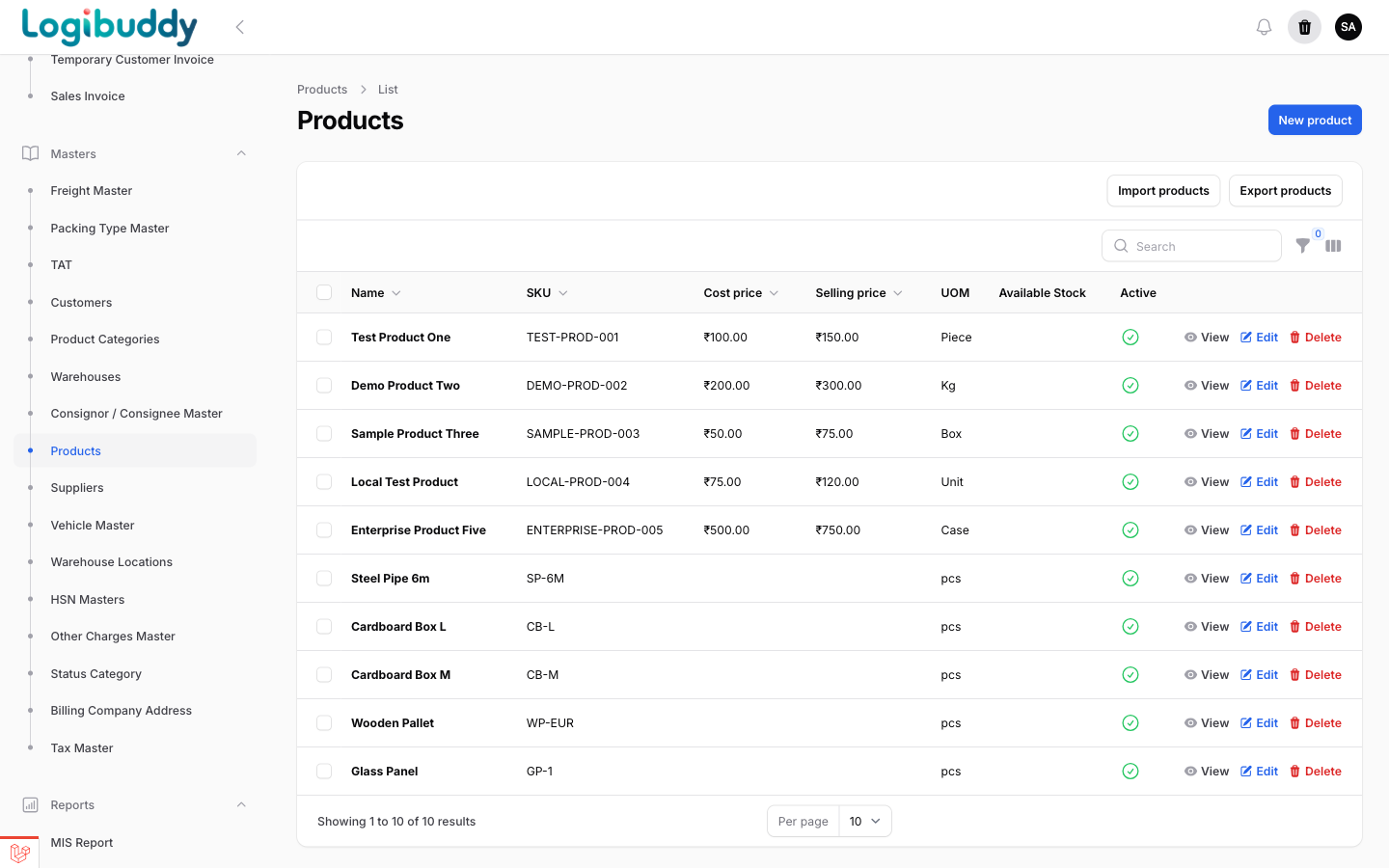
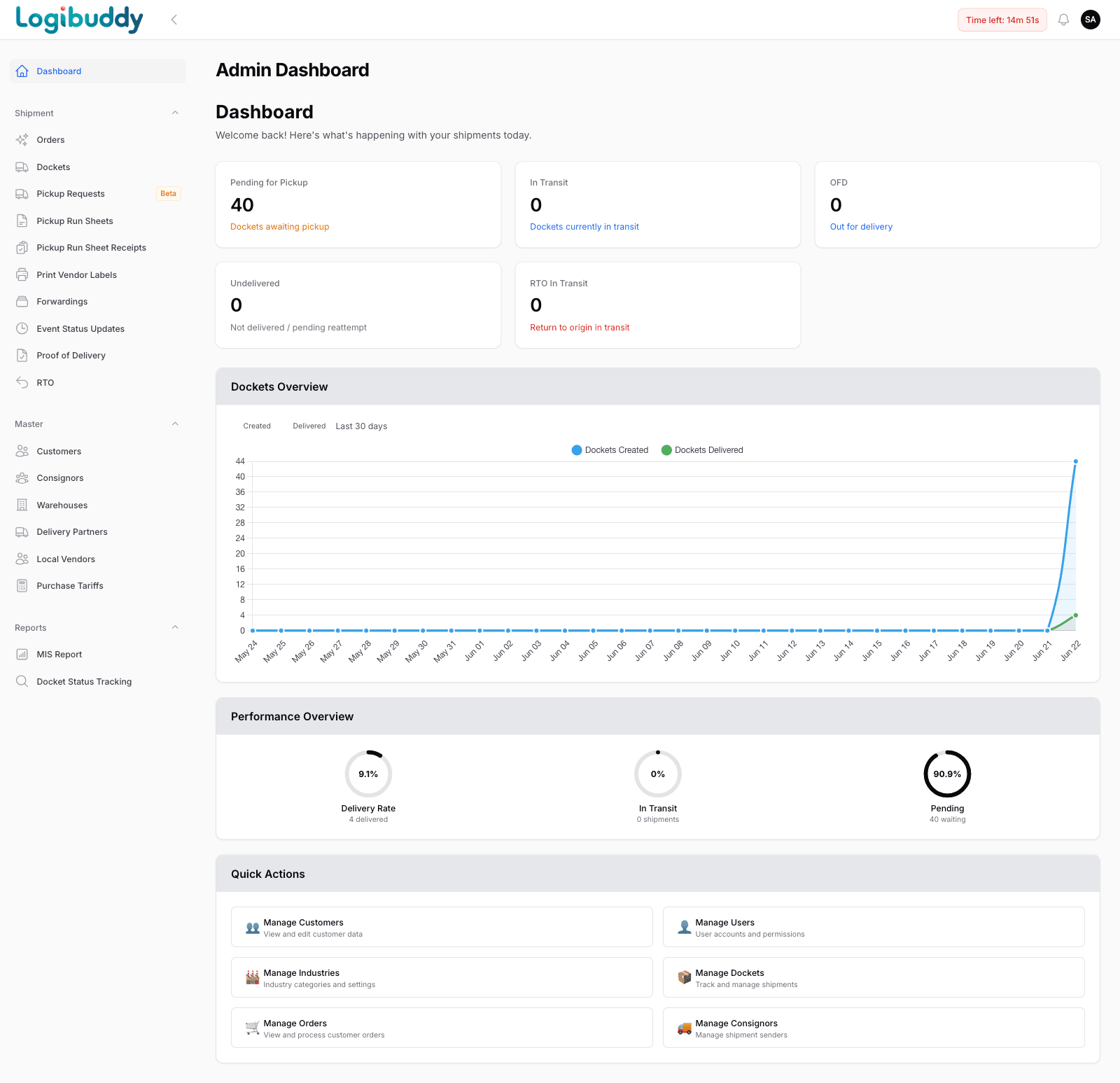
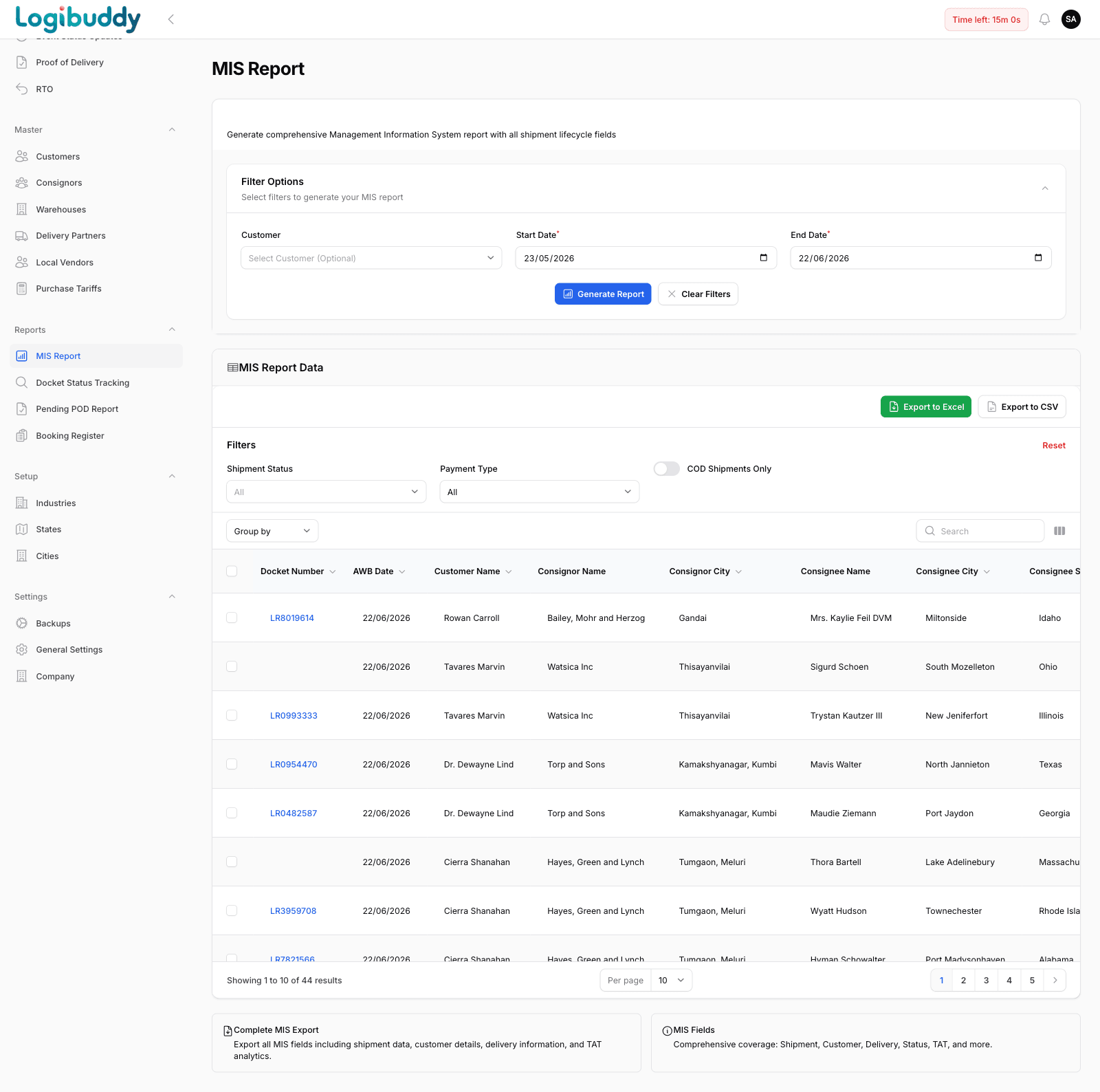
Get started
See your whole operation in one control tower
A 30-minute walkthrough on your kind of operation — 3PL, courier, D2C or warehouse.
Free 14-day trial · No credit card · India-ready