Stock accounted for,
unit by unit
Inward to outward, across every warehouse — storage locations, SKU-level masters and per-customer stock overviews, with low-stock and expiry alerts built in.
What you get
A warehouse system that stays in sync with dispatch
Because WMS shares masters with the shipment side, stock leaving the shelf and a docket going out are the same event — not two spreadsheets to reconcile.
Inward stock
Receive against customers and products, with verification before stock goes live.
Outward stock
Dispatch by customer and order, drawing down the right locations automatically.
Storage locations
Map every bin and zone; know exactly where each unit sits.
Product masters
SKU, unit, price and category — one clean catalogue across warehouses.
Customer stock overview
Per-client stock positions for 3PL and shared-warehouse operations.
Alerts
Low-stock and expiring-soon flags surface on the dashboard before they bite.
On the real product
Shown on the screens you'll use
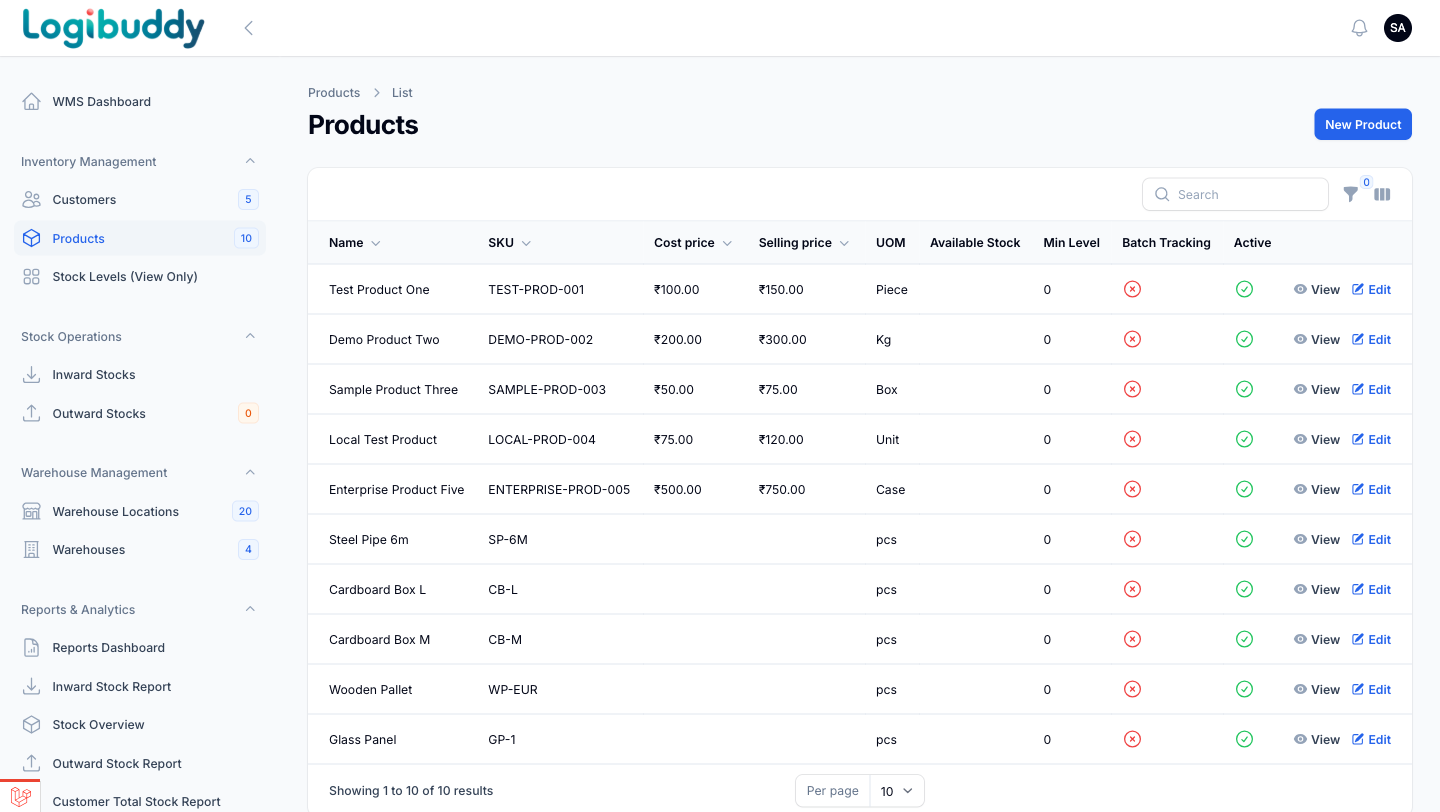
PRODUCTS
One clean catalogue across warehouses
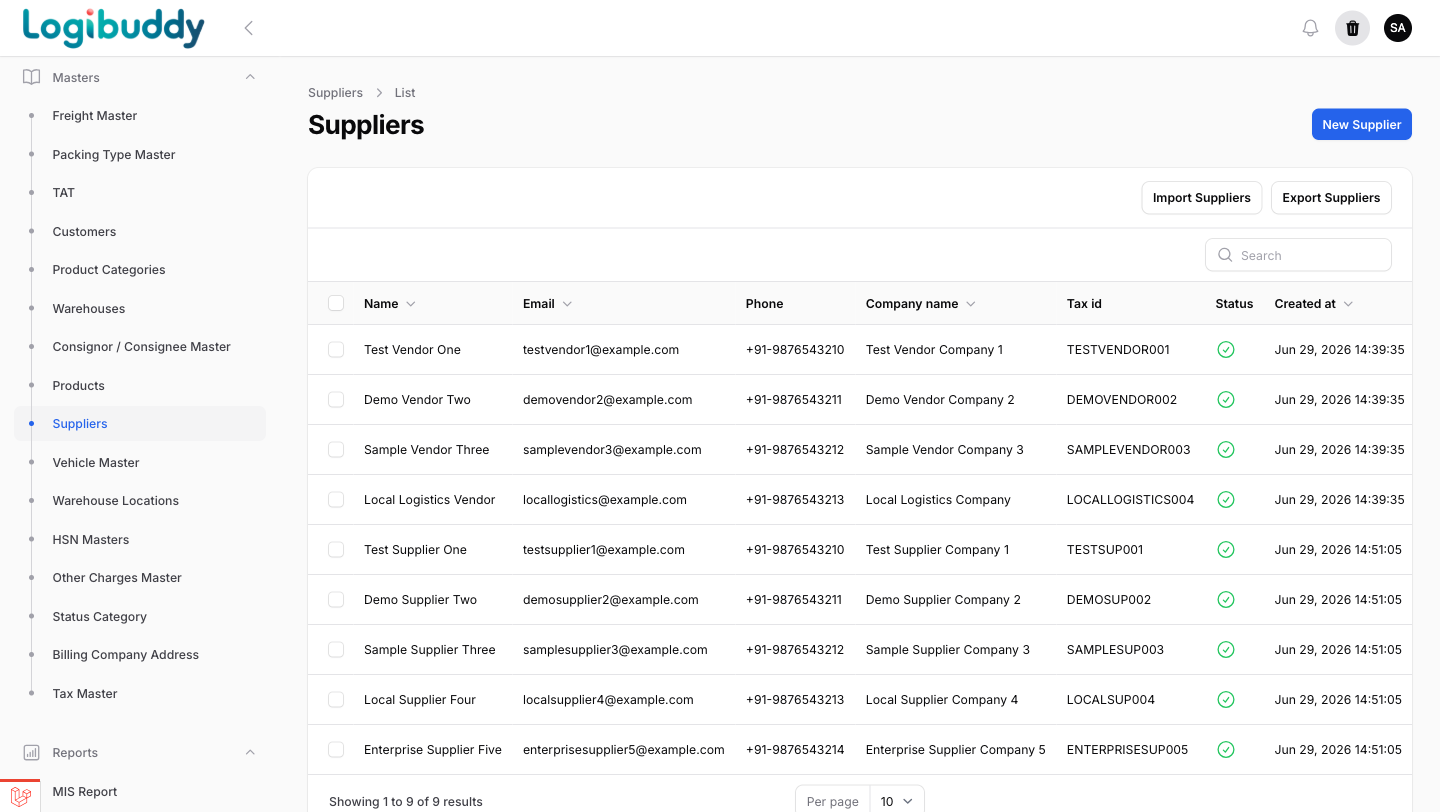
SKU, unit, cost and selling price and category live in one product master shared by every warehouse — so the same item means the same thing wherever it is stored, and low-stock and expiry alerts have something reliable to fire against.
- SKU-level masters with price and unit
- Minimum stock levels per product
- Shared with the shipment side, not a separate list
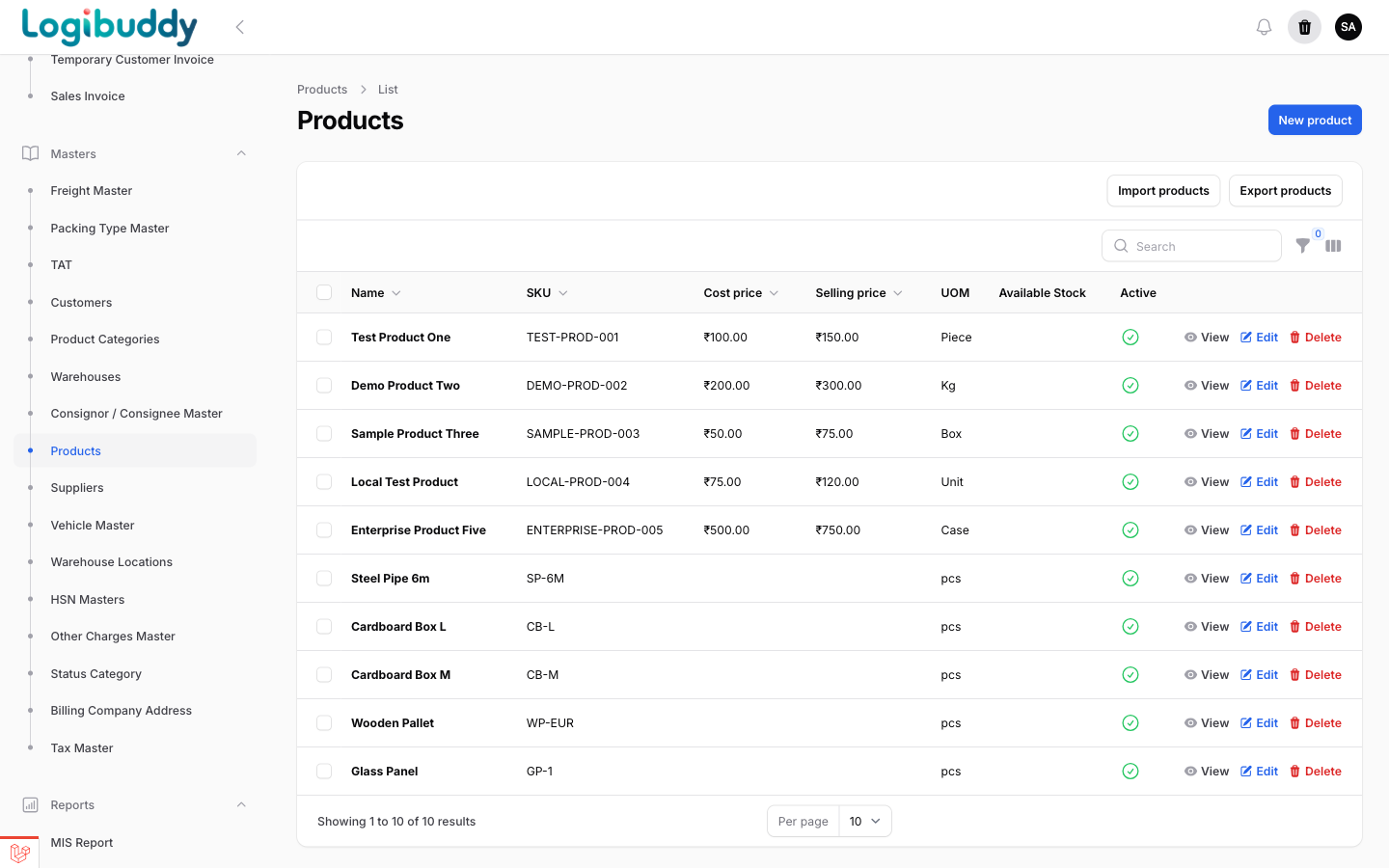
LOCATIONS
Every unit has an address
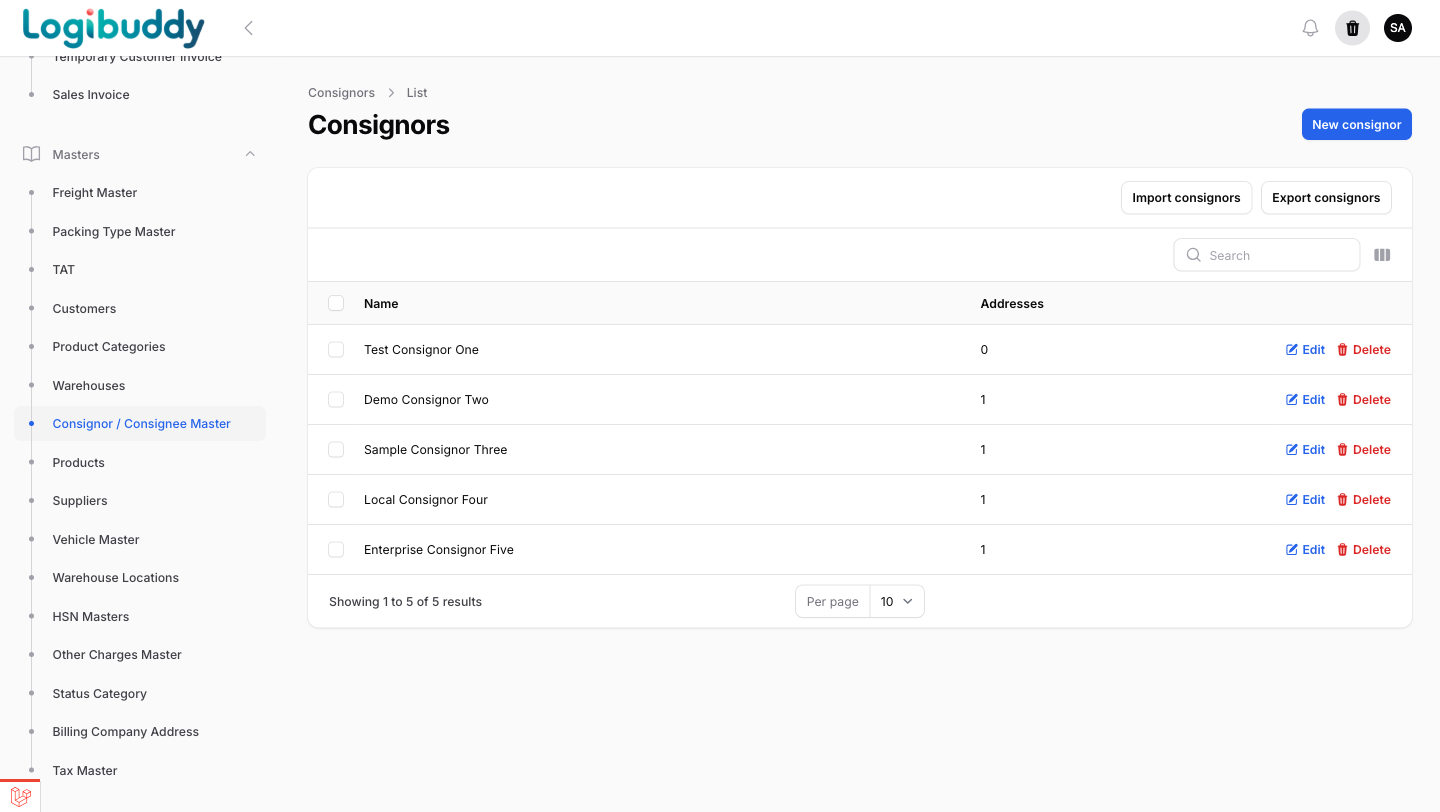
Define warehouses and the locations inside them, then bind stock to those locations so picking and counts stay accurate across sites.
- Multi-warehouse setup
- Location-level stock binding
- Accurate picks and counts
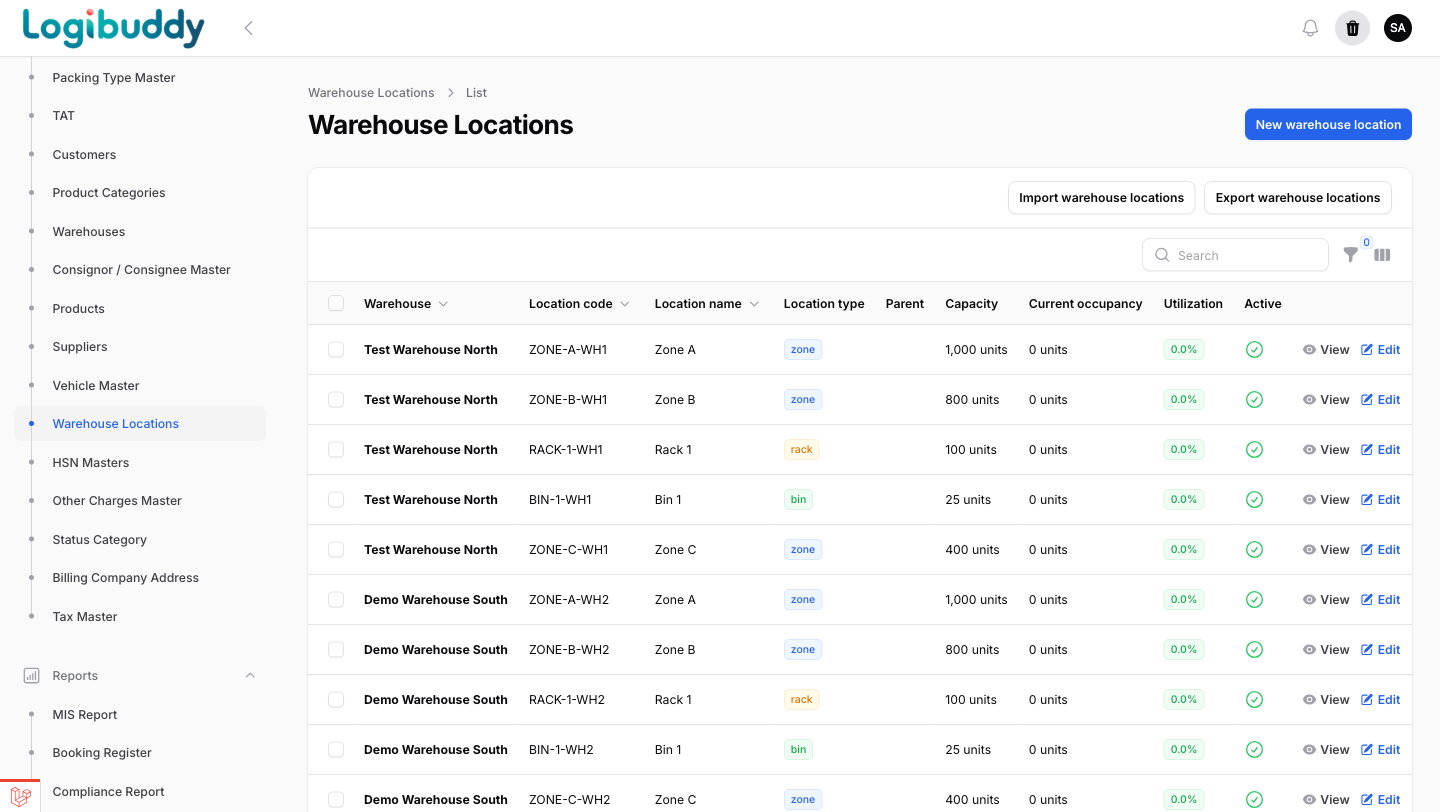
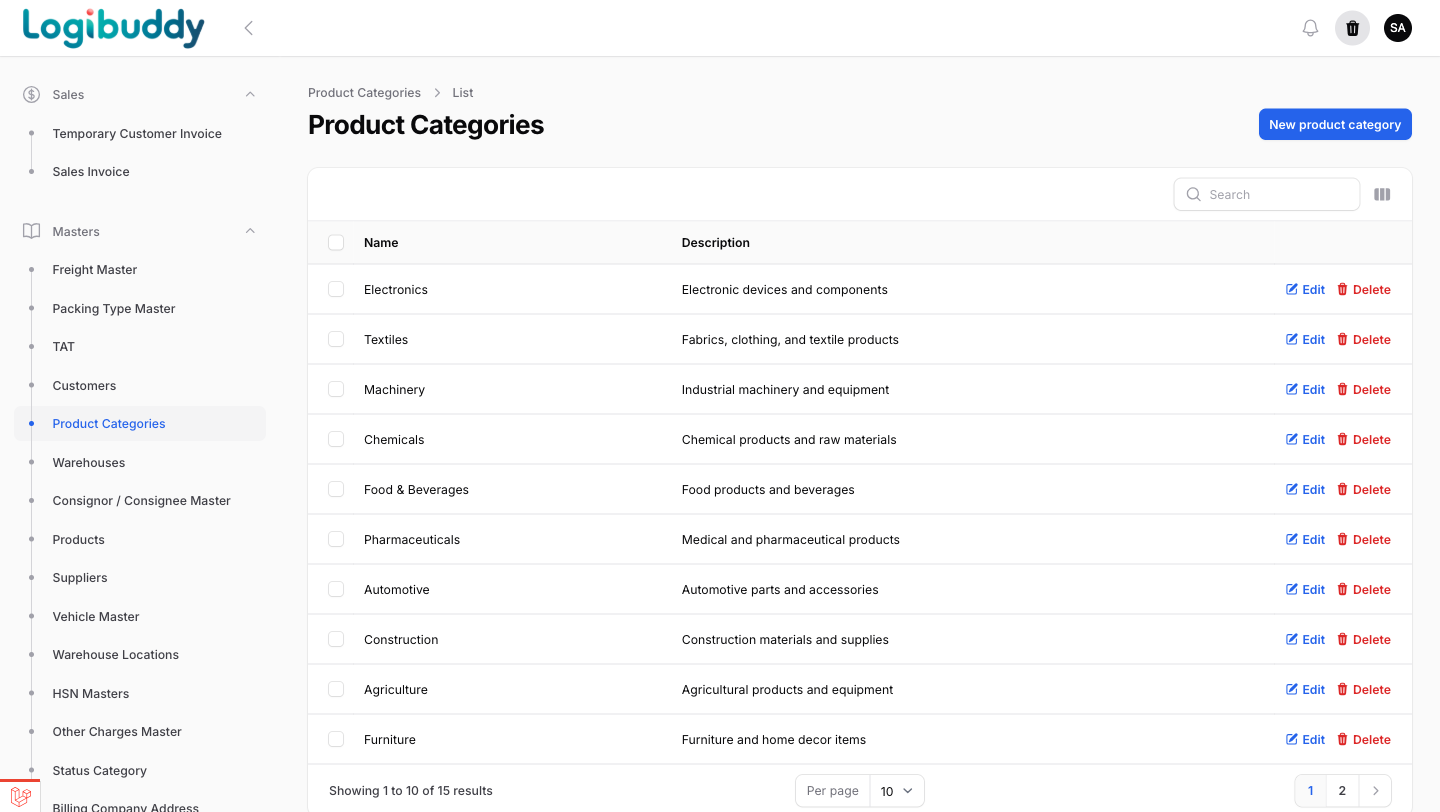
More WMS screens
From dashboard to reports
The working surfaces your warehouse team lives in.
Get started
See your whole operation in one control tower
A 30-minute walkthrough on your kind of operation — 3PL, courier, D2C or warehouse.
Free 14-day trial · No credit card · India-ready